

If you are sending cold emails or even regular business emails, one thing matters more than open rates, clicks, or replies. That thing is your Inbox Rate.
Inbox Rate simply means how many of your emails actually land in the primary inbox instead of spam or promotions. If your emails are not reaching the inbox, nothing else matters. A perfect email copy will fail if it never gets seen.
Many businesses notice a sudden drop in replies and assume their offer is bad or their copy needs improvement. In reality, the real problem is often hidden. Their emails are quietly going to spam. This is very common, especially for startups, agencies, and founders running cold outreach.
Email providers like Google and Outlook have become much stricter. They track sender behavior, domain health, engagement, and even how your mailbox is set up. Small mistakes can slowly reduce your inbox rate without any warning.
The good news is that inbox rate problems are usually fixable. Once you understand what is causing the drop, you can reverse it with the right steps.
In this article, we will break down 7 clear reasons why your inbox rate is dropping and explain exactly how to fix each one, using simple words and practical examples.
Your domain reputation is like your email credit score. If it is low, email providers do not trust you.
When you send emails, Google and Outlook check your domain history. If your domain has sent spammy emails in the past, had too many bounces, or received spam complaints, your reputation goes down.
Many people make the mistake of sending cold emails from their main business domain. Once that domain reputation is damaged, even normal client emails can start going to spam. This is very risky.
Another common issue is buying old or abused domains without checking their past usage. Even if the domain looks clean, it may already be blacklisted or flagged.
Using clean, properly set up mailboxes plays a big role here. Many businesses choose affordable, fresh Google Workspace mailboxes to reduce risk and keep reputation healthy.
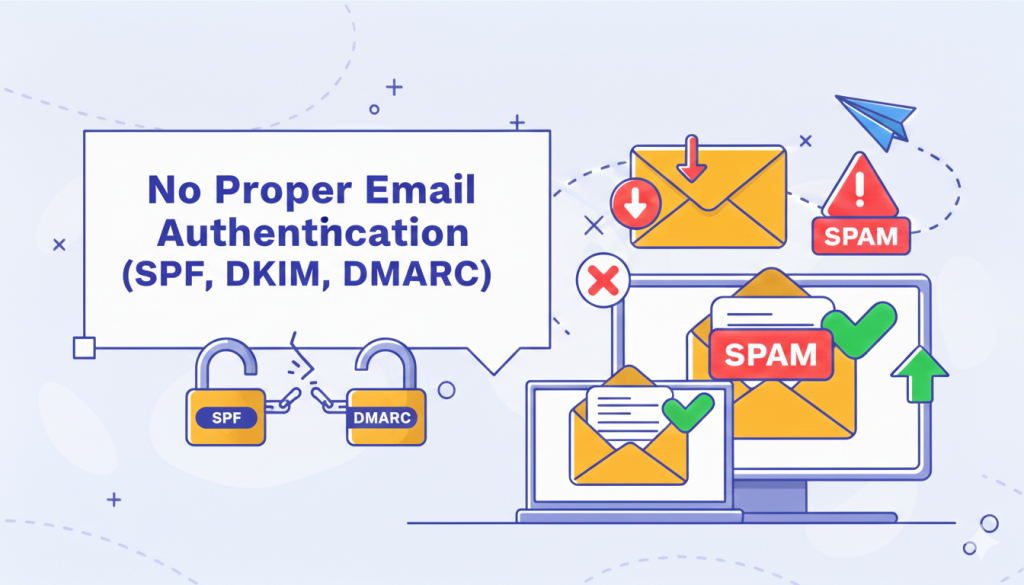
Email authentication is one of the biggest reasons for inbox issues, especially in India where many setups are incomplete.
SPF, DKIM, and DMARC tell email providers that your emails are genuine and not fake. Without them, your emails look suspicious.
Even if you have these records, small misconfigurations can still cause problems. For example, SPF may not include the correct sending servers, or DMARC may not be aligned properly.
Google and Outlook clearly prefer authenticated emails. Missing or broken authentication almost guarantees lower inbox placement.
A clean mailbox setup with correct DNS configuration can immediately improve inbox rate. This is often overlooked but has a strong impact.
This is a very common mistake, especially when people start cold outreach.
New mailboxes sending 200 or 300 emails per day look unnatural. Email providers expect human-like behavior. Sudden spikes in volume are a red flag.
Many people also ignore sending patterns. Sending all emails at the same time every day looks automated and risky.
Mailbox warm-up is not optional anymore. It is a basic requirement. Businesses that use properly warmed Google Workspace mailboxes usually see much better inbox placement compared to rushed setups.

Email providers track how people interact with your emails.
If recipients do not open, reply, or click, your inbox rate slowly drops. If people delete your emails without reading, that is also a negative signal.
Cold emails naturally get lower engagement, but extremely low engagement over time tells Google that your emails are not wanted.
Even a small number of replies can significantly improve sender reputation. Inbox rate improves when email providers see real conversations happening.
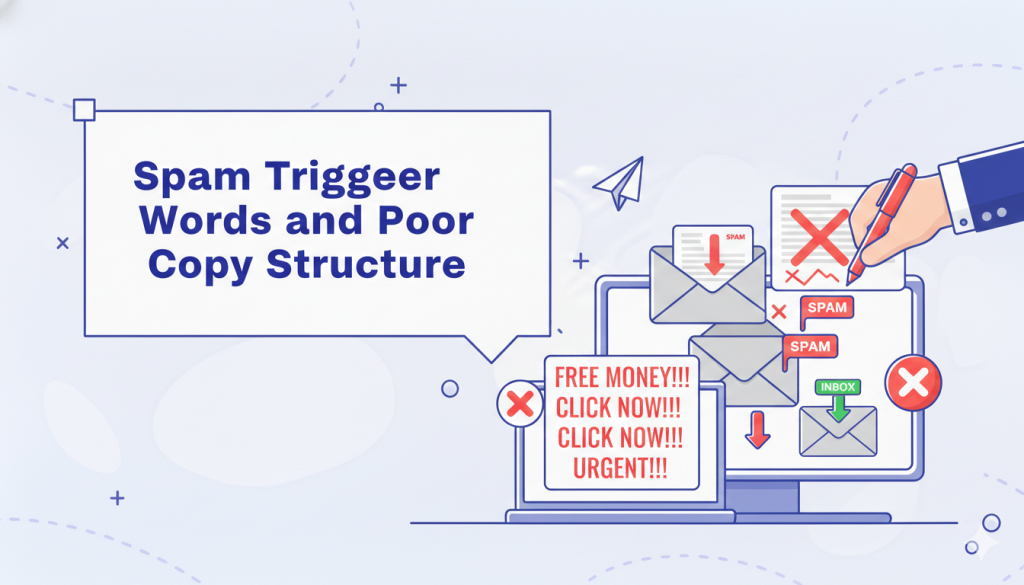
Spam filters still look at content.
Words like “free,” “guaranteed,” “limited offer,” and excessive links can push emails to spam. Poor formatting, large images, and HTML-heavy emails also increase risk.
Many cold emails fail because they sound like marketing emails instead of human messages.
Simple, honest writing works best. Especially for Indian and global audiences, clarity builds trust and improves engagement.
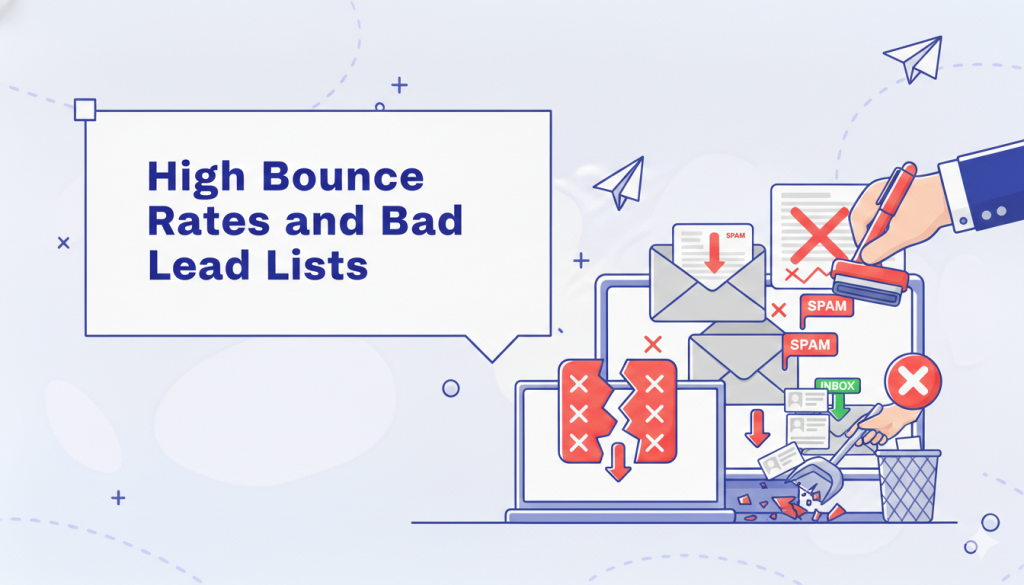
Sending emails to invalid or outdated addresses damages your sender reputation quickly.
Many lead lists are scraped, outdated, or poorly verified. Even a small bounce rate can harm inbox placement over time.
Inbox rate improves when email providers see that you respect data quality and avoid unnecessary failures.

Not all email infrastructure is equal.
Some providers use shared servers where one bad sender can affect everyone. If someone else sends spam from the same server, your inbox rate can drop even if you did nothing wrong.
Google Workspace mailboxes are trusted globally and have strong infrastructure. This is one reason many outreach teams prefer them.
At Nexyel, many teams choose Google Workspace mailboxes at just $3 each, mainly because they offer strong deliverability, reliability, and global trust. It is a simple setup choice that supports long-term inbox health.
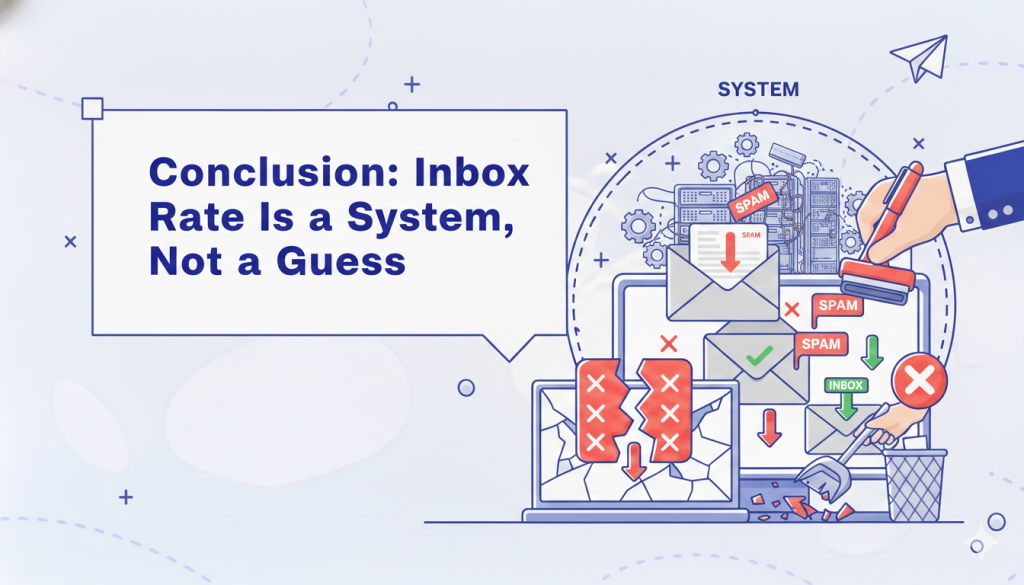
A dropping inbox rate is not random. It is the result of multiple small issues adding up over time.
The good news is that inbox problems are reversible when you focus on the fundamentals:
Cold email still works, but only when done with patience and respect for the system.
If you build your setup the right way from the start and use trusted tools and mailboxes, inbox placement becomes much easier to maintain. Small decisions, like choosing clean Google Workspace mailboxes and setting them up correctly, can make a big difference over months, not just days.
Inbox rate is not about tricks. It is about trust. Build that trust, and your emails will land where they belong the inbox.




 11 February, 2026
 6 Min Read